I Made a Lightweight Git Worktree Manager (Because I Couldn't Find One)
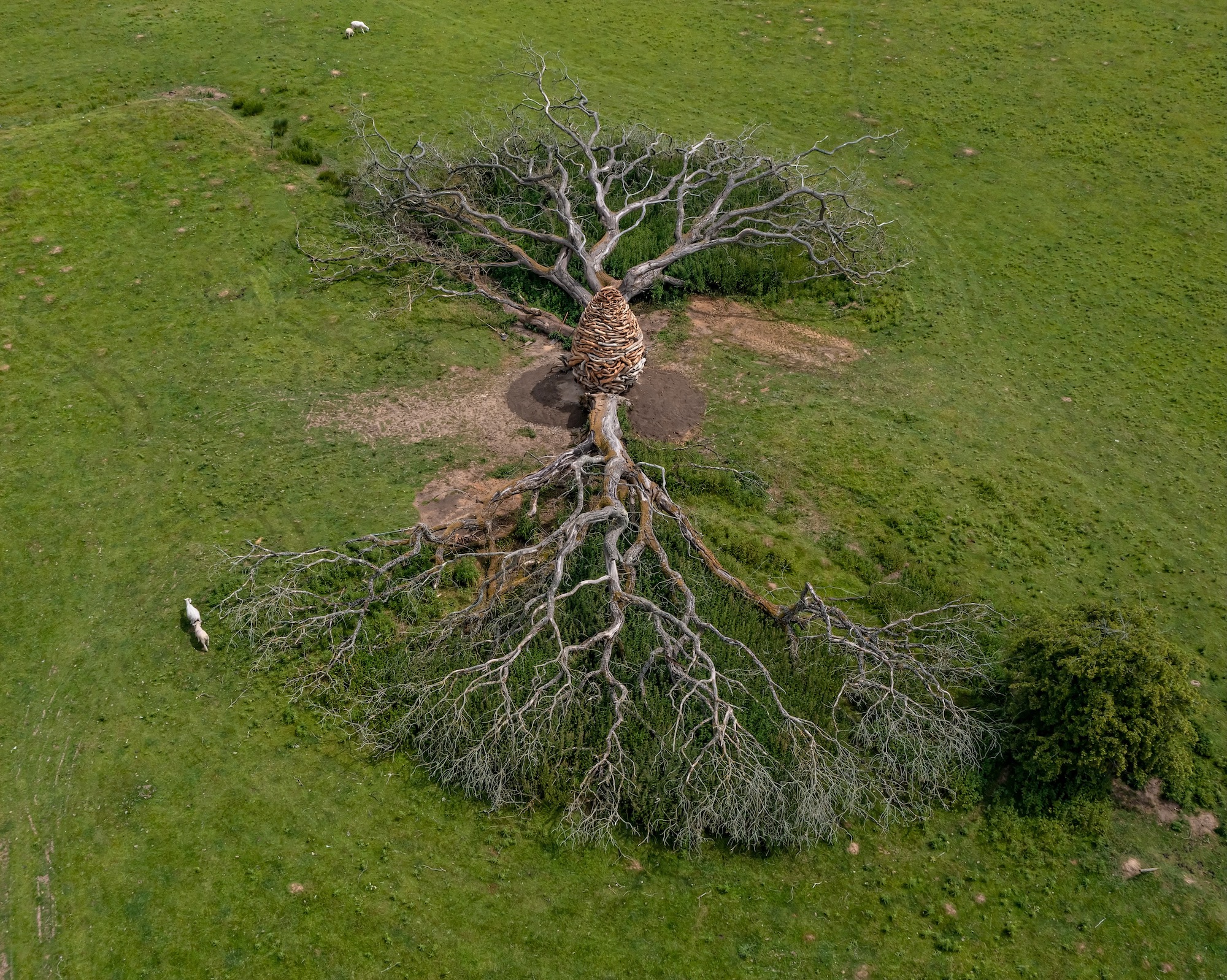
Andy Goldsworthy, Split Oak Wood
Summary
I built a git worktree manager because I couldn't find a simple one.
The problem hit me when running multiple AI coding agents at once. One was refactoring accessibility code while I needed to review the current implementation for a bug. Same files, different contexts. I couldn't commit the half-done work, couldn't stash and lose the agent's state, couldn't review without a clean checkout.
Git worktrees solved this, but the syntax was awkward. Branchyard exists and is great if you want VS Code integration and git hooks, but I wanted something I could drop in my dotfiles and understand in 20 minutes.
So I built gwt (git-worktree-utils): • bash, zero dependencies • Source-based, lives in ~/.config • One branch = one directory (keeps the mental model simple) • Built-in cleanup for orphaned directories
Use cases beyond AI agents: • Code review without losing your place • Emergency hotfixes without stashing • Running tests in one branch while coding in another
The pattern works: multiple branches in separate directories beats constant switching. No stashing, IDE state persists, contexts stay separate.
Project: https://github.com/jamesfishwick/git-worktree-utils
I Made a Lightweight Git Worktree Manager (Because I Couldn't Find One)
Why I made gwt (git-worktree-utils) when Branchyard is already there, and why one bash script is all you need.
The problem
The traditional git dance is stash, checkout, fix, checkout back, unstash. Before worktrees showed up (in Git 2.5, 2015), the way you worked on two branches at once was to clone the repo twice.
Switching branches costs you context. Your IDE closes files, build artifacts get wiped, dependencies reinstall. Cloning twice sidestepped all that. You could keep production ready for a hotfix while you built features, run a long build in one clone while you coded in the other, or diff two branches side by side. The price was disk space, manual syncing between the clones, and a duplicate .git directory you didn't really want.
Worktrees fix that by sharing one .git across several working directories.
Here's what got me here. One AI agent was refactoring my web app's a11y while I was over in the same files figuring out how the current code handled an out-of-date media player. Same files, two heads. I couldn't commit the half-finished refactor, and stashing would have wiped the agent's state, and I couldn't review anything without a clean checkout. A worktree let both of us keep working.
This isn't only an AI-agent thing. Any time you've got a couple of branches in flight, separate directories beat constant switching. Nothing to stash, your IDE stays put, and the two contexts never step on each other.
But git's own syntax for this is awkward:
git worktree add ../myapp-feature-auth -b feature/auth
# Branch name typed twice, manual -b flag, path calculated by hand
So I went looking for a tool. Branchyard does VS Code integration, git hooks, and auto-cleanup, which is more machinery than I wanted. I was after something I could drop into my dotfiles and read end to end in twenty minutes.
So I built gwt (git-worktree-utils). Pronounced "guh-wit" (or not).
The commands
gwt feature/auth   # Create/switch to worktree
gwtlist            # List with status
gwts               # Interactive switcher
gwtclean           # Clean orphaned directories
gwthelp            # Built-in help
When I reach for a worktree
Worktrees don't replace branches. I reach for one when I need physical separation on top of the logical kind.
Take code review. The old way is stash or WIP commit, checkout the PR branch, review, checkout back, unstash. Along the way your IDE closes files and forgets your scroll positions. With a worktree I cd to the review directory, look, then cd - back, and everything is exactly where I left it. A production hotfix is the same story with the stakes turned up: no stashing, no throwaway WIP commit, just a clean checkout of main in its own directory, and after I fix and push, cd - puts me back in the feature. And when I want real parallelism, long tests grinding in one tree while I keep coding in another with its own build artifacts, worktrees give me that instead of task switching. The whole point is that I stop tracking stash state in my head and my build tools never get confused about which branch they're looking at.
Design decisions
I built gwt as a bash script that lives in ~/.config (XDG-compliant) and gets checked into my dotfiles. It runs on macOS, Linux, and BSD, and it needs nothing beyond bash and git. It is deliberately not an IDE plugin, it doesn't hook into git, and you won't find it in a package manager. That's the whole footprint.
The 1:1 constraint
Git worktrees are flexible. You can check out the same branch in several directories, name them anything, and build complicated mappings. gwt throws all of that away and enforces one branch = one directory.
I did that because it matches how I already think. Plain git gives you one directory and you git checkout different branches into it. gwt keeps that same mental model and only changes the "switch" from logical to physical, so cd replaces git checkout. I've never actually wanted the extra flexibility, and giving it up made the tool something I can hold in my head. Tell me why I'm wrong, please!
Living in the dotfiles
My dotfiles are already a git repo, holding my shell config, vim setup, and git aliases, so the worktree manager just moves in with the rest of them.
# In dotfiles repo
.config/git-worktree-utils/git-worktree-utils.sh

# In ~/.zshrc
source ~/.config/git-worktree-utils/git-worktree-utils.sh
Core features
Worktree creation
gwt feature/auth
One command does the whole dance. It figures out whether the branch is new, already local, or sitting on the remote, creates a {base}-{branch} directory for it, and cleanly handles paths with spaces by reading git's porcelain format. Your submodules get set up too, and then it drops you into the new directory. No flags, and you never type the branch name twice.
Configurable directory patterns
# ~/.config/git-worktree-utils/config
GWT_DIR_PATTERN="{base}-{branch}"

# Options:
# {base}-{branch}           -> myapp-feature-auth
# {branch}                  -> feature-auth
# worktrees/{base}/{branch} -> worktrees/myapp/feature-auth
Interactive switcher
$ gwts

Select worktree:
  1) /Users/dev/myapp [CURRENT]
  2) /Users/dev/myapp-feature-auth
  3) /Users/dev/myapp-hotfix-urgent

Enter number (1-3): 2
Switched to /Users/dev/myapp-feature-auth
Cleanup
$ gwtclean

Git Worktree Cleanup
Pruning broken references...
Searching for orphaned directories...

Found 3 orphaned directories:
  ../myapp-feature-old (458M)
  ../myapp-hotfix-merged (12M)
  ../myapp-review-pr-123 (234M)

Delete all? (y/N)
It shows you the disk usage, asks before it deletes anything, and won't touch a worktree that's still active.
Where do these orphans come from? Delete a branch that had a worktree and git drops the worktree from its metadata, but the working directory just sits there on disk. Delete a directory by hand and you get the reverse, metadata pointing at something that's gone.
gwtclean runs git worktree prune to tidy git's internal state, then scans the parent directory for anything matching your naming pattern. Whatever matches the pattern but isn't a live worktree gets flagged as orphaned. I run it every so often to claw back disk space, usually right after I've deleted a batch of feature branches.
Built-in help
gwthelp             # Overview
gwthelp gwt         # Command details
gwthelp config      # Config reference
gwthelp workflows   # Examples
Workflows
Here's how this actually looks day to day.
Emergency hotfix
Production breaks while you're deep in a feature branch:
gwt hotfix/critical-security-fix
# Clean environment on main
# Fix, commit, push
cd -  # Back to work on the feature
Code review
Check a coworker's PR without dropping what you're in the middle of:
gwt pr/123
# Test locally
cd ../myapp
gwtclean  # Remove review worktree
Parallel approaches
Try two solutions at once and diff them:
gwt approach-a
gwt approach-b
diff -r ../myapp-approach-a ../myapp-approach-b
# Keep winner, clean loser
Technical details
A few notes for anyone curious how this works.
Porcelain format
Git's default output isn't safe to parse, since paths can have spaces and branch names can even carry newlines.
while IFS= read -r line || [[ -n "$line" ]]; do
    case "$line" in
        worktree\ *)
            path=${line#worktree }
            ;;
        branch\ *)
            branch=${line#branch }
            ;;
    esac
done < <(git worktree list --porcelain)
Reading the porcelain output this way keeps the weird paths from biting you.
XDG compliance
GWT_CONFIG_HOME="${XDG_CONFIG_HOME:-$HOME/.config}"
GWT_CONFIG_DIR="${GWT_CONFIG_HOME}/git-worktree-utils"
It honors XDG_CONFIG_HOME if you've set it and falls back to ~/.config if you haven't.
Platform detection
macOS ships BSD stat and Linux ships GNU stat, and the two want different flags, so gwt checks which one it's on.
case "$(uname -s)" in
    Darwin)
        stat -f "%m %N" "$path"
        ;;
    Linux)
        stat -c "%Y %n" "$path"
        ;;
    *)
        # Fallback
        find "$dir" -mindepth 1 -maxdepth 1 -print
        ;;
esac
Namespace convention
Every helper is prefixed _gwt_, which keeps them readable and, fingers crossed, out of everyone else's way.
_gwt_print()                   # Colored output
_gwt_get_worktree_paths()      # Parse paths
_gwt_list_recent()             # File listing
_gwt_display_worktree_info()   # Info display
Install
# One-line
curl -fsSL https://raw.githubusercontent.com/jamesfishwick/git-worktree-utils/main/install.sh | bash

# Or inspect first
curl -fsSL https://raw.githubusercontent.com/jamesfishwick/git-worktree-utils/main/install.sh -o install.sh
chmod +x install.sh
./install.sh
Project: https://github.com/jamesfishwick/git-worktree-utils License: MIT