I Made a Lightweight Git Worktree Manager (Because I Couldn't Find One)
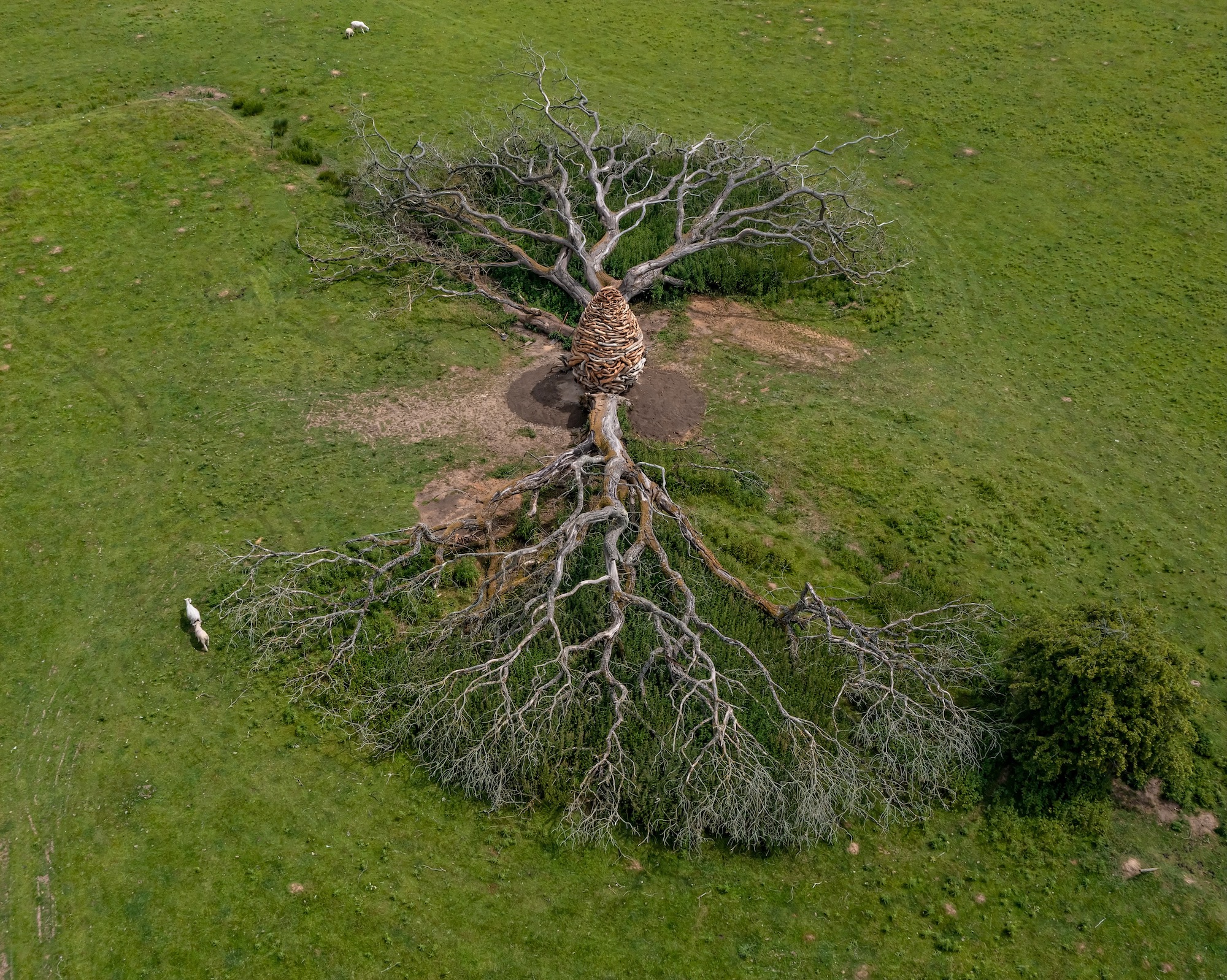
Andy Goldsworthy, Split Oak Wood
I built a git worktree manager because I couldn't find a simple one.
The problem hit me when running multiple AI coding agents at once—one was refactoring accessibility code while I needed to review the current implementation for a bug. Same files, different contexts. I couldn't commit the half-done work, couldn't stash and lose the agent's state, couldn't review without a clean checkout.
Git worktrees solved this, but the syntax was awkward. Branchyard exists and is great if you want VS Code integration and git hooks, but I wanted something I could drop in my dotfiles and understand in 20 minutes.
So I built gwt (git-worktree-utils): • bash, zero dependencies • Source-based, lives in ~/.config • One branch = one directory (keeps the mental model simple) • Built-in cleanup for orphaned directories
Use cases beyond AI agents: • Code review without losing your place • Emergency hotfixes without stashing • Running tests in one branch while coding in another
The pattern works: multiple branches in separate directories beats constant switching. No stashing, IDE state persists, contexts stay separate.
Project: https://github.com/jamesfishwick/git-worktree-utils
I Made a Lightweight Git Worktree Manager (Because I Couldn't Find One)
Why I made gwt (git-worktree-utils) when Branchyard is already there, and why one bash script is all you need.
The Issue
Traditional git workflow: stash, checkout, fix, checkout back, unstash. Before worktrees (added in Git 2.5, 2015), developers created multiple repository clones to work on different branches simultaneously.
Why? Switching branches loses context—IDE closes files, build artifacts get wiped, and dependencies reinstall. Multiple clones meant keeping production ready for hotfixes while developing features, running long builds while coding elsewhere, or comparing branches side-by-side. The downside: disk space, manual syncing, and duplicate .git directories.
Worktrees solve this by sharing .git metadata across multiple working directories.
My use case: One AI agent was refactoring my web app's a11y while I examined how the current code handled an out-of-date media player. Same files, but in different contexts. I couldn't commit the half-completed refactor, stash and lose the agent's state, or review without a clean checkout. Worktrees provided me with the ability to run both contexts concurrently.
The pattern works beyond AI agents. Multiple branches in separate directories beats constant switching—no stashing, IDE state persists, and contexts stay separate.
But git's syntax is awkward:
git worktree add ../myapp-feature-auth -b feature/auth
# Branch name typed twice, manual -b flag, path calculated by hand
After struggling with the syntax, I looked for tools. Branchyard has VS Code integration, git hooks, auto-cleanup.
Ultimately, it was too heavy for me. I wanted something to drop in my dotfiles. Something I could read and understand completely in 20 minutes.
So I built gwt (git-worktree-utils). Pronounced "guh-wit" (or not).
What It Does
gwt feature/auth   # Create/switch to worktree
gwtlist            # List with status
gwts               # Interactive switcher
gwtclean           # Clean orphaned directories
gwthelp            # Built-in help
When to Use Worktrees
Worktrees are not a replacement for branches; they are used when physical separation is required in addition to logical separation.
Code review: Stash or WIP commit, checkout PR branch, review, checkout back, unstash. Your IDE closes files and loses scroll positions. With worktrees: cd to review directory, cd - back. Everything stays put.
Emergency hotfix: No stashing, no WIP commits. Do a clean checkout of main in a separate directory. Fix, push, cd - back.
Parallel work: Run long tests in one tree while coding in another. Maintain different build artifacts. You get actual parallelism, not task switching.
Lose the mental overhead of tracking stash/WIP state. Keep IDE state intact so your build tools don't get confused.
Design Decisions
Given these use cases, I had specific goals for the implementation.
What it is:
- Bash script
- Lives in ~/.config (XDG-compliant)
- Checked into dotfiles (if you use that pattern)
- Cross-platform (macOS, Linux, BSD)
- Zero dependencies beyond bash and git
What it's not:
- IDE-integrated
- Git hook automated
- Package manager distributed
The 1:1 Constraint
Git worktrees are flexible: the same branch in multiple directories, arbitrary naming, and complex mappings. This tool enforces one branch = one directory.
Why? It matches how you already think. Traditional git has one directory where you git checkout different branches. This keeps that 1:1 mental model—just makes the "switch" physical instead of logical. Think cd instead of git checkout.
Yes, it's less flexible, but it's easier to reason about. I've found the flexibility unnecessary in practice besides. Tell me why I'm wrong, please!
More on Dotfile Integration
I use git to manage my dotfiles—shell config, vim, git aliases. The worktree manager belongs there too.
# In dotfiles repo
.config/git-worktree-utils/git-worktree-utils.sh

# In ~/.zshrc
source ~/.config/git-worktree-utils/git-worktree-utils.sh
Core Features
Smart Worktree Creation
gwt feature/auth
Automatically finds new, local, and remote branches. Creates {base}-{branch} directory. Handles paths with spaces (porcelain format). Sets up your submodules. cds into the directory.
No flags or typing branch names twice.
Configurable Patterns
# ~/.config/git-worktree-utils/config
GWT_DIR_PATTERN="{base}-{branch}"

# Options:
# {base}-{branch}           -> myapp-feature-auth
# {branch}                  -> feature-auth
# worktrees/{base}/{branch} -> worktrees/myapp/feature-auth
Interactive Switcher
$ gwts

Select worktree:
  1) /Users/dev/myapp [CURRENT]
  2) /Users/dev/myapp-feature-auth
  3) /Users/dev/myapp-hotfix-urgent

Enter number (1-3): 2
Switched to /Users/dev/myapp-feature-auth
Cleanup Automation
$ gwtclean

Git Worktree Cleanup
Pruning broken references...
Searching for orphaned directories...

Found 3 orphaned directories:
  ../myapp-feature-old (458M)
  ../myapp-hotfix-merged (12M)
  ../myapp-review-pr-123 (234M)

Delete all? (y/N)
It will show disk space usage, ask for confirmation, and never touch active worktrees.
Why do orphaned directories exist? When you delete a branch that had a worktree, git removes the worktree from its metadata, but the working directory stays on disk. Manual deletions can also leave metadata pointing to nuked directories.
gwtclean runs git worktree prune to clean git's internal state, then scans the parent directory for directories matching your naming pattern. It compares these against active worktrees—anything matching the pattern but not active is orphaned. Run it periodically to reclaim disk space, or simply after deleting feature branches.
Built-in Help
gwthelp             # Overview
gwthelp gwt         # Command details
gwthelp config      # Config reference
gwthelp workflows   # Examples
Workflows
Real-world usage:
Emergency Hotfix
Production breaks while you're deep in a feature branch:
gwt hotfix/critical-security-fix
# Clean environment on main
# Fix, commit, push
cd -  # Back to work on the feature
Code Review
Check a coworker's PR without stopping what you're doing:
gwt pr/123
# Test locally
cd ../myapp
gwtclean  # Remove review worktree
Parallel Approaches
Try two solutions at the same time and compare them:
gwt approach-a
gwt approach-b
diff -r ../myapp-approach-a ../myapp-approach-b
# Keep winner, clean loser
Technical Details
For those who want to know a little more how this works behind the scenes:
Porcelain Format
Git's default output isn't parseable. Paths can have spaces. Branch names can have newlines.
while IFS= read -r line || [[ -n "$line" ]]; do
    case "$line" in
        worktree\ *)
            path=${line#worktree }
            ;;
        branch\ *)
            branch=${line#branch }
            ;;
    esac
done < <(git worktree list --porcelain)
Handles edge cases correctly.
XDG Compliance
GWT_CONFIG_HOME="${XDG_CONFIG_HOME:-$HOME/.config}"
GWT_CONFIG_DIR="${GWT_CONFIG_HOME}/git-worktree-utils"
Respects XDG_CONFIG_HOME, falls back to ~/.config.
Platform Detection
macOS uses BSD stat while Linux uses GNU stat, so different flags need to be used.
case "$(uname -s)" in
    Darwin)
        stat -f "%m %N" "$path"
        ;;
    Linux)
        stat -c "%Y %n" "$path"
        ;;
    *)
        # Fallback
        find "$dir" -mindepth 1 -maxdepth 1 -print
        ;;
esac
Namespace Convention
All helpers prefixed _gwt_. Clear, hopefully no conflicts.
_gwt_print()                   # Colored output
_gwt_get_worktree_paths()      # Parse paths
_gwt_list_recent()             # File listing
_gwt_display_worktree_info()   # Info display
Install
# One-line
curl -fsSL https://raw.githubusercontent.com/jamesfishwick/git-worktree-utils/main/install.sh | bash

# Or inspect first
curl -fsSL https://raw.githubusercontent.com/jamesfishwick/git-worktree-utils/main/install.sh -o install.sh
chmod +x install.sh
./install.sh
Project: https://github.com/jamesfishwick/git-worktree-utils License: MIT